Using Document Crunch's Chat Feature
Last updated: October 9, 2025
Objective
Learn how to effectively use the Chat feature to analyze and understand your contract documents.
Background
The Chat feature provides AI-powered contract analysis, helping you quickly find and understand specific contract provisions.
Using Contract Chat
Accessing Chat
Find the Chat feature by:
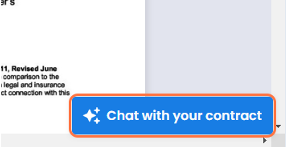
Locating the Chat button in the lower-right corner
Clicking "Chat with your contract" to begin
Understanding Chat Responses
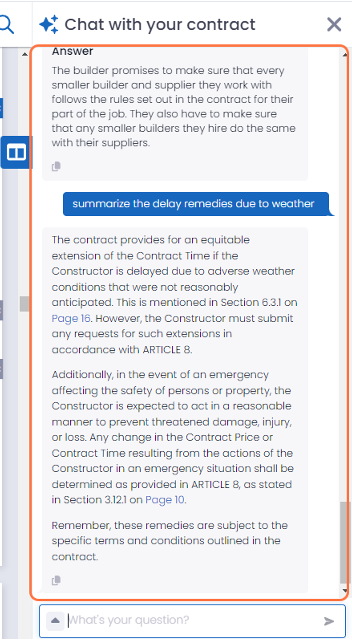
Chat responses provide:
Direct links to referenced contract pages
Copy-paste functionality for notes in Document Crunch
Creating Effective Prompts
Use Action-Based Requests:
"Find and summarize the payment terms"
"Define the substantial completion requirements"
"Explain the change order process"
"Create a numbered list of contractor responsibilities"
Avoid Single-Word Queries:
Instead of "weather" → Ask "What are the weather delay provisions?"
Instead of "retainage" → Ask "What is the retainage percentage and release schedule?"
Build Comprehensive Queries:
Combine related questions in one prompt
Example: "What insurance requirements exist and when must certificates be provided?"
Example: "What are the notice requirements for delays and how must they be documented?"